Lowrance Elite FS 9: product guide and expansion costs
Plan an Elite FS 9 installation around the right transducer, Australian charts and realistic expansion costs rather than a display-only price.
Manufacturer documentation with editorial analysis; no hands-on testing or comparative sea trials. Sources checked 3 October 2026.
Elite FS 9 belongs on the shortlist when a fishing boat needs a capable display with a documented expansion route. Before deciding whether it is good value, write down the sonar views and connections you actually intend to use. A larger equipment plan should be priced at the beginning rather than discovered one accessory at a time.
#What the cited package establishes
| Item | Published detail |
|---|---|
| Display | 9-inch Elite FS model |
| Network interfaces | Wireless, NMEA 2000 and Ethernet |
| Live-sonar expansion | ActiveTarget 2 support |
| Active Imaging HD | Requires S3100 module |
| Regional package shown | Worldwide basemap, with bundle options |
Sources: Lowrance's regional Elite FS package and connectivity specifications. Confirm the exact Australian order rather than copying US charts or accessories from another regional page. Model-family features should also be checked against the selected screen size and software.
#Who should shortlist it?
Consider Elite FS when supported future expansion is a real plan. If the owner wants one fixed chart-and-sonar installation and expects to leave it that way, compare it with Eagle 9 before paying for additional interfaces. This is a recommendation about project fit, not a laboratory performance ranking.
For example, an angler who already has a plan for a separate live-sonar installation should ask for its hardware and mounting alongside the screen. Someone who is merely curious about live sonar can request a demonstration before allocating that budget. A feature marked “ready” is not a complete working package.
#Build the complete shopping list
Specify the transducer by full part number and ask how it will be installed. Include charts for the intended Australian waters, mounting hardware, power work, any network parts and commissioning. If additional modules are required, include their physical space and power needs as well as their price.
Make a separate list of retained equipment. A compatible-looking plug or a familiar brand name is insufficient evidence that an older transducer or accessory will work. Require confirmation for the exact combination and keep that documentation with the boat's records. No Australian installed total has been independently verified here.
#Acceptance should resemble a fishing day
Check the screen at its installed viewing distance and practise switching between the layouts you plan to use. Confirm that the chart package covers the intended area and that the selected sonar views are available with the supplied hardware. Test the installation at representative speeds in appropriate conditions.
Record any loss of bottom information for diagnosis rather than assuming the screen needs replacement. The trailer-boat setup example shows how to separate installation acceptance from learning a new fishing technique.
#Choose one of three actual purchasing briefs
A stable chart-and-sonar installation: identify the included transducer, the views the crew will use and the local cartography. Compare the complete package with the simpler alternative rather than paying for expansion on principle. The fact that a future module could be added does not improve today’s installation if the current sensor is poorly mounted.
A planned live-sonar addition: request the exact live-sonar hardware, mount, cable route, power requirements and supported software alongside the display. Decide how it will be operated during the fishing technique and how normal chart and depth information remain available. Ask for a demonstration before assuming a new view will be useful to the owner.
A broader integrated system: have the dealer list each required function and the supported devices. Do not infer radar, pilot control or every networking feature from the presence of an Ethernet connector. An interface describes a connection; the model’s documented capabilities determine what it can actually do through it.
#Investigate a disappointing picture in the right order
If information is lost at speed, record the speed, depth, conditions and selected sonar view. Inspect the installation and ask a competent installer to check the sensor’s water flow, mounting, supported selection and connections. Changes to the transducer angle or position should follow the appropriate installation instructions. Avoid treating every poor return as proof that a larger screen or higher-power sensor is needed.
Check the actual supply under load and the condition of the power connection. Keep the manufacturer’s electrical limits separate from an owner’s measured energy budget. A system that behaves well at the berth may encounter different electrical or acoustic conditions underway, which is why a useful acceptance session resembles ordinary use.
#The quote should expose future costs
| Quote section | Include explicitly |
|---|---|
| Day-one hardware | Display SKU, transducer SKU and every required module |
| Navigation | Australian chart region and update/licence arrangement |
| Installation | Mounts, protection, cable routes and hull work if needed |
| Optional stage | Complete additional hardware, not a “ready” feature label |
| Acceptance | Views enabled, source selection and representative checks |
| Ownership | Local service, documentation and replacement accessory route |
A price beside “Elite FS 9” alone is not enough to compare two suppliers. One may include a sensor and another may not; one may show charts from another region. Confirm the physical box contents and order specification, then ask how the supplied equipment produces each promised view. Keep the agreed list with the invoice.
#Where a premium budget is best spent
Spend first on the right transducer and clean installation, useful chart coverage, crew familiarisation and a navigation fallback appropriate to the trip. Only then add specialist sonar that supports a known fishing technique. Multiple displays can improve working space, but shared power and data remain shared dependencies.
For a small trailer boat, access and power constraints may favour a deliberately simple system. For a larger fishing boat, screen arrangement and module location deserve a full drawing. The budget versus premium guide helps prioritise the additions; the worked fishing setup provides a practical end-to-end brief.
Continue building the system
These guides pick up where this one stops.
Head-to-head
Lowrance Eagle 9 vs Elite FS 9: standalone fishing or expansion?
Compare Eagle 9 and Elite FS 9 for a fishing boat, including controls, chart bundles, sonar packages and the cost of future live-sonar expansion.
Decision Compare the two options against your existing system and installation.Check first A basemap and expansion readiness are not complete charts and included hardware.Also needed Exact display and transducer bundle Read the guideRanked shortlist
Top 3 fishfinder picks for Australian trailer-boat setups
Rank three fishfinder approaches for a trailer boat, comparing expansion, simplicity and motor integration with exact chart and transducer checks.
Best for A genuine future sonar expansion planCheck first Order changes with retained equipment; no comparative sea trial or installed-price test.Also needed Complete regional package and a comparable installation quote Read the guideBrand profile
Lowrance marine electronics
A fishing-focused shortlist for smaller and medium boats. Compare sonar packages, chart coverage and expansion requirements.
Read the guide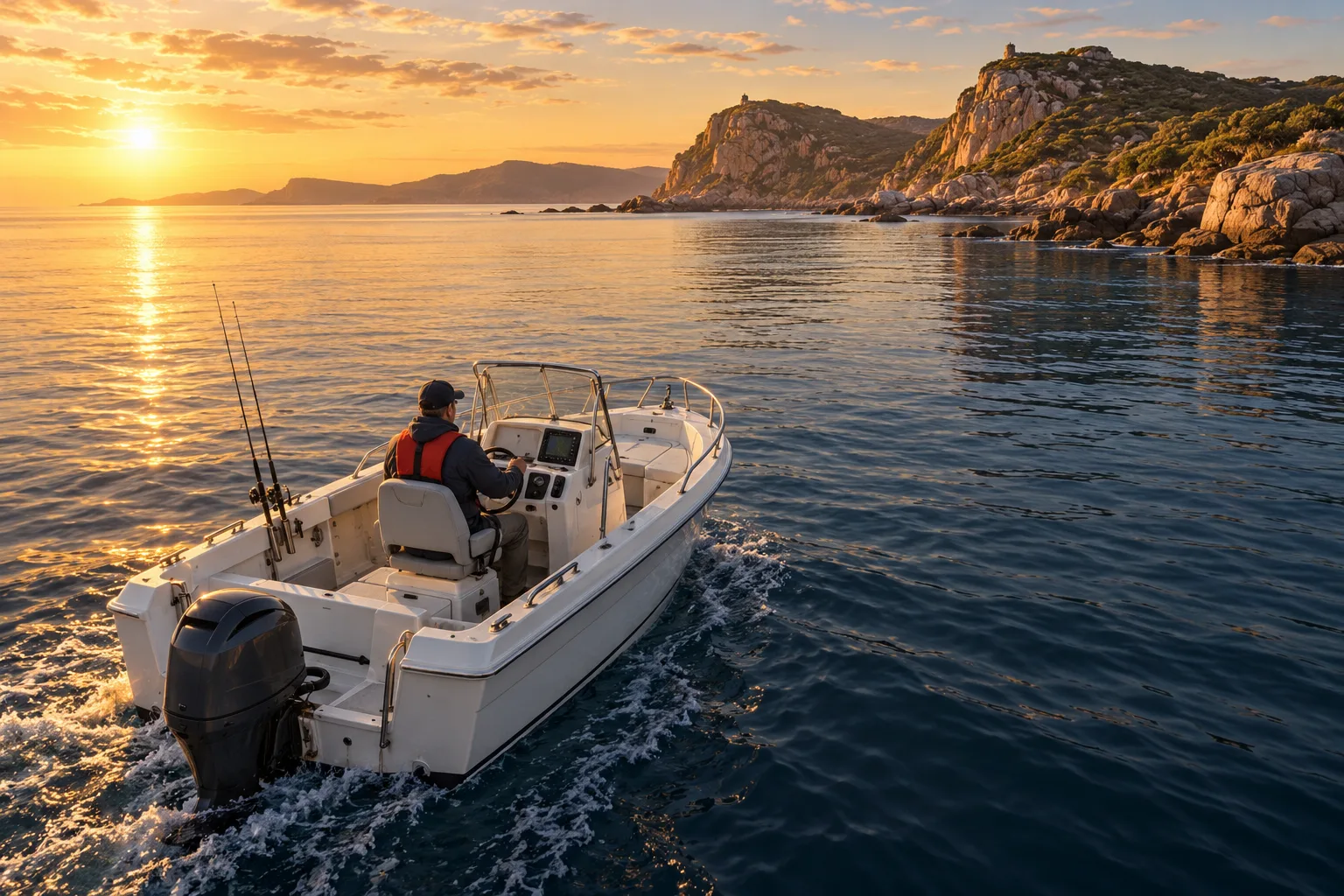 AI illustration
Worked example
Worked example: electronics for a 6 m coastal fishing boat
Build a hypothetical trailer-boat shopping list, compare Eagle and Elite FS, and separate chart coverage, sonar installation and future expansion.
Best for A 6 m coastal fishing-boat planCheck first Future live sonar requires its own hardware and budgetAlso needed Exact display, transducer, Australian charts and installation Read the guideProduct guide
Raymarine Quantum 2 Q24D: product and installation guide
Assess Quantum 2 for a Raymarine radar refit with a practical guide to mounting, connectivity, purchase scope and a first training session.
Best for A supported Raymarine radar refitCheck first Confirm display/software and the wired or wireless arrangementAlso needed Scanner, supported display, mount, power and commissioning Read the guideProduct guide
Icom IC-M94DE: handheld VHF with AIS reception
Understand what the Australian IC-M94DE handheld offers, what AIS reception cannot do, and how to assess carrying, charging and everyday operation.
Best for Portable VHF with AIS receptionCheck first The Australian version is 5 W; it does not transmit AISAlso needed Australian radio package, carrying arrangement and onboard charging Read the guideReferenced by
Other guides that depend on the ideas on this page.
This guide is independent editorial information, not a substitute for official regulation. Equipment requirements, licensing and chart currency differ by jurisdiction and change over time — confirm the current position with the AMSA, the Australian Hydrographic Office, ACMA and your state or territory maritime authority before relying on it.