Raymarine Quantum 2 Q24D: product and installation guide
Assess Quantum 2 for a Raymarine radar refit with a practical guide to mounting, connectivity, purchase scope and a first training session.
Manufacturer documentation with editorial analysis; no hands-on testing or comparative sea trials. Sources checked 3 October 2026.
Quantum 2 Q24D is a radar candidate for an owner building or retaining a supported Raymarine system. The useful question is whether it fits the complete installation: display, scanner position, power and operator workflow. This is a documentation-based buying guide, not a hands-on review.
#Product at a glance
| Item | Published detail or buying check |
|---|---|
| Scanner | Quantum 2 Q24D Doppler radome |
| Diameter | 541 mm |
| Weight | 5.6 kg |
| Data installation | Confirm the supported wired or wireless arrangement |
| Purchase variant | Check which power and data cables are included |
Source: Raymarine Quantum 2 product resources. For the cross-brand specification table, see Quantum 2 versus Fantom 18x. A manufacturer's feature list is not evidence that we have tested detection in rain, sea clutter or close traffic.
#Who should shortlist it?
An owner with a compatible Raymarine display should investigate retention before paying for an entirely new helm. An owner starting from scratch should compare the display controls and wider equipment plan as well as the scanner. If the current display is unsupported, add the replacement and integration work to the quote now.
Imagine a yacht refit with limited space on the mast and difficult cable access. Have the installer inspect the physical mounting and proposed data connection before choosing a package. The possibility of wireless imagery may change the work involved, but does not answer every question about software, signal path or the scanner's power supply.
#Buy the correct cable package
T70416 is the Q24D package with 10 m power and 10 m data cables, as identified by Raymarine's package options. Whitworths listed this part at A$3,899 on 3 October 2026. That is a hardware asking price, not an installed total. Check the part number, since a different colour or cable bundle can have a different price.
For a mast installation, measure from the scanner through the actual deck entry and service route to the connection point. A nominal 10 m mast-to-helm separation does not mean a 10 m cable will reach. Price the mount, any approved longer cables, power protection and required heading input separately. Do not order the package first and discover the access work afterwards.
The 32-foot package uses one Axiom+ 9; the 50-foot package uses two displays and a separately priced network switch for wired imagery. Neither sends the radar picture over the instrument backbone. See the compatibility guide for the distinction between imagery, heading and power.
#A useful first session
After professional installation and acceptance, learn the controls in clear conditions where visual observations can be compared with returns. Practise range selection and recognise what changes when settings or views change. Keep a lookout and an appropriate person responsible for navigation throughout the exercise.
Record the installation's known obstructions and the crew's unresolved questions. The worked radar scenario provides a structured practice plan. Choose Quantum 2 when the supported system and installation fit the brief, then invest in learning how to interpret it.
#Before a second display is added
A second display can keep a dedicated radar page open while the helm chart remains at a useful scale. It does not create a second scanner. Draw the shared scanner, network switch and supply dependencies, and identify which single failure removes radar from both stations. That distinction matters more than counting screens when comparing proposals.
Use the Axiom+ installation manual for the supported wired topology. If an additional radar view is the only reason for the second screen, demonstrate the desired layout on the existing display first. A split view may meet the need without another mounting hole, power feed and network connection.
#Wired or wireless is a site decision
Where the selected display and software support the proposed connection, compare installation access, signal path and troubleshooting. Wireless imagery can reduce a particular data-cable task, but still leaves power, pairing, reception and the display itself as dependencies. A wired path has its own cable and connector requirements. Request a documented choice based on the boat rather than treating either arrangement as universally superior.
At handover, identify how the crew recognises a lost radar connection and what the recovery procedure is. Keep the normal navigation view and independent backup available while resolving a fault. If the proposal relies on a particular wireless configuration, preserve its details in the boat’s documentation without publishing credentials in shared manuals or photographs.
#Recognise the limits of the picture
Doppler colour indicates radial motion relative to the radar; it is not a classification of another skipper's intentions. A crossing target still needs observation and assessment. A highlighted return does not replace range changes, lookout or collision-avoidance judgement. The manufacturer's Quantum 2 description describes motion highlighting, not a guarantee of detecting every vessel.
At commissioning, record bearing alignment, input sources and known blind sectors against the installation manual. During subsequent clear-weather practice, compare recognisable shore features with their returns. Treat disappearance behind the mast or another obstruction as an installation limitation to understand, rather than solving it by increasing the range scale. The radar practice exercise gives the crew a way to record these observations.
#When to spend elsewhere
If the current supported radar works and the crew struggles to use it, tuition, a better display location or a corrected heading source may be more valuable than replacement. If the screen is unsupported, price a complete system before purchasing this dome alone. If the installation cannot be mounted safely, widen the equipment shortlist rather than forcing the product into the boat.
A budget owner should protect the mount, cabling and handover allowance. A no-limit owner should additionally examine independent navigation and service access. The Raymarine versus Garmin system comparison and vessel guide selector place Quantum 2 in those wider decisions.
Continue building the system
These guides pick up where this one stops.
Head-to-head
Raymarine Quantum 2 vs Garmin Fantom 18x: which system fits?
Compare Quantum 2 and Fantom 18x radar for a complete helm refit, including published power, mounting weight and the cost of changing displays.
Decision Compare the two options against your existing system and installation.Check first Changing the display ecosystem can dominate the complete cost.Also needed Exact scanner and supported display/software Read the guideHead-to-head
Simrad HALO20+ vs Raymarine Quantum 2: a compact radar comparison
Choose between HALO20+ and Quantum 2 for a compact boat, weighing display compatibility, electrical demand and a practical installation plan.
Decision Compare the two options against your existing system and installation.Check first Published rotation and power figures are not a common sea trial.Also needed Exact scanner and supported display/software Read the guideBrand profile
Raymarine marine electronics
An integrated cruising-system candidate: compare supported displays, autopilots, radar, instruments and cameras as a complete installation.
Read the guide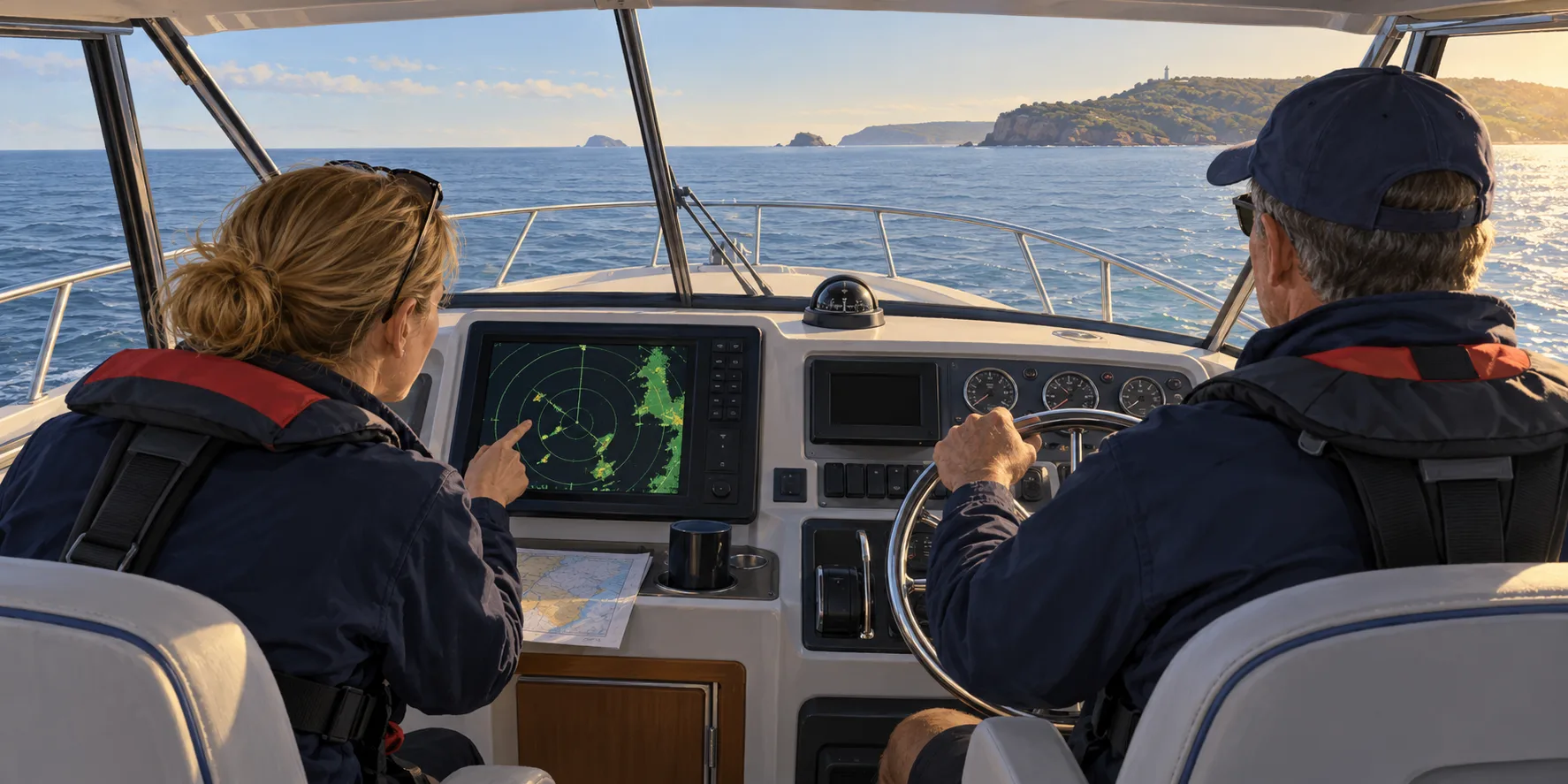 AI illustration
Worked example
Radar in action: a clear-weather training scenario
A structured, hypothetical radar practice session for a newly installed system, connecting product choice with observation, settings and useful records.
Best for A supervised clear-weather radar sessionCheck first An illustrative exercise is not a collision-manoeuvre planAlso needed Accepted installation, suitable conditions and competent supervision Read the guideBuying Guides
Best marine radar 2026
The best radar is not the one with the biggest range number. These are the 2026 picks by vessel type, and the four things worth more attention than the spec sheet.
Read the guideHead-to-head
Radome vs open array
The honest answer is that beam width is real physics and windage aloft is real seamanship. Which wins depends on the boat, not the budget.
Read the guideReferenced by
Other guides that depend on the ideas on this page.
This guide is independent editorial information, not a substitute for official regulation. Equipment requirements, licensing and chart currency differ by jurisdiction and change over time — confirm the current position with the AMSA, the Australian Hydrographic Office, ACMA and your state or territory maritime authority before relying on it.